

The product
One workshop, in four parts
TimeWrights runs on your own Mac or Windows computer: the whole workshop, for research, planning and the long-term record. The apps for iPhone, iPad and Android phones and tablets are its companions at the bench, paired with your computer.
Learn
- A learning path, from a first strap change to a first full service: each stage, and where to learn it.
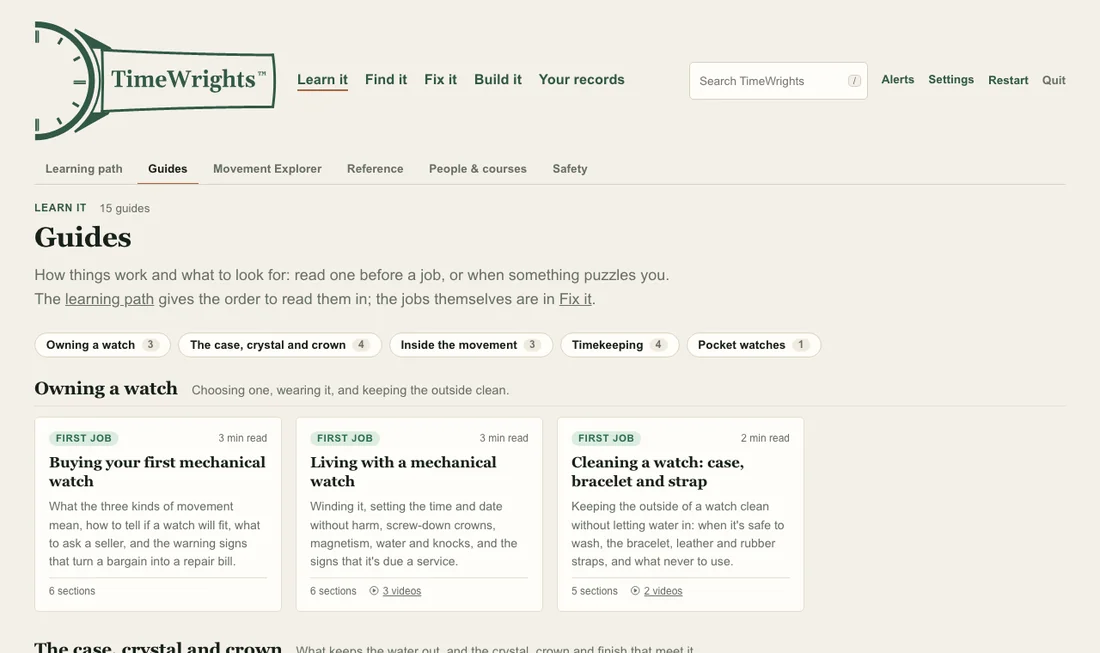
- Guides to how a watch works and what to look for: the case, crystal and crown, the movement, timekeeping, and pocket watches. Read one before a job, or when something puzzles you.
- Step-by-step jobs, each with the tools it needs, and “Why has it stopped?”: a few questions anyone can answer without opening the movement, ending in what to do next.
- Reference: a glossary, a tool guide, watch batteries, identifying and dating a watch, and safety at the bench.
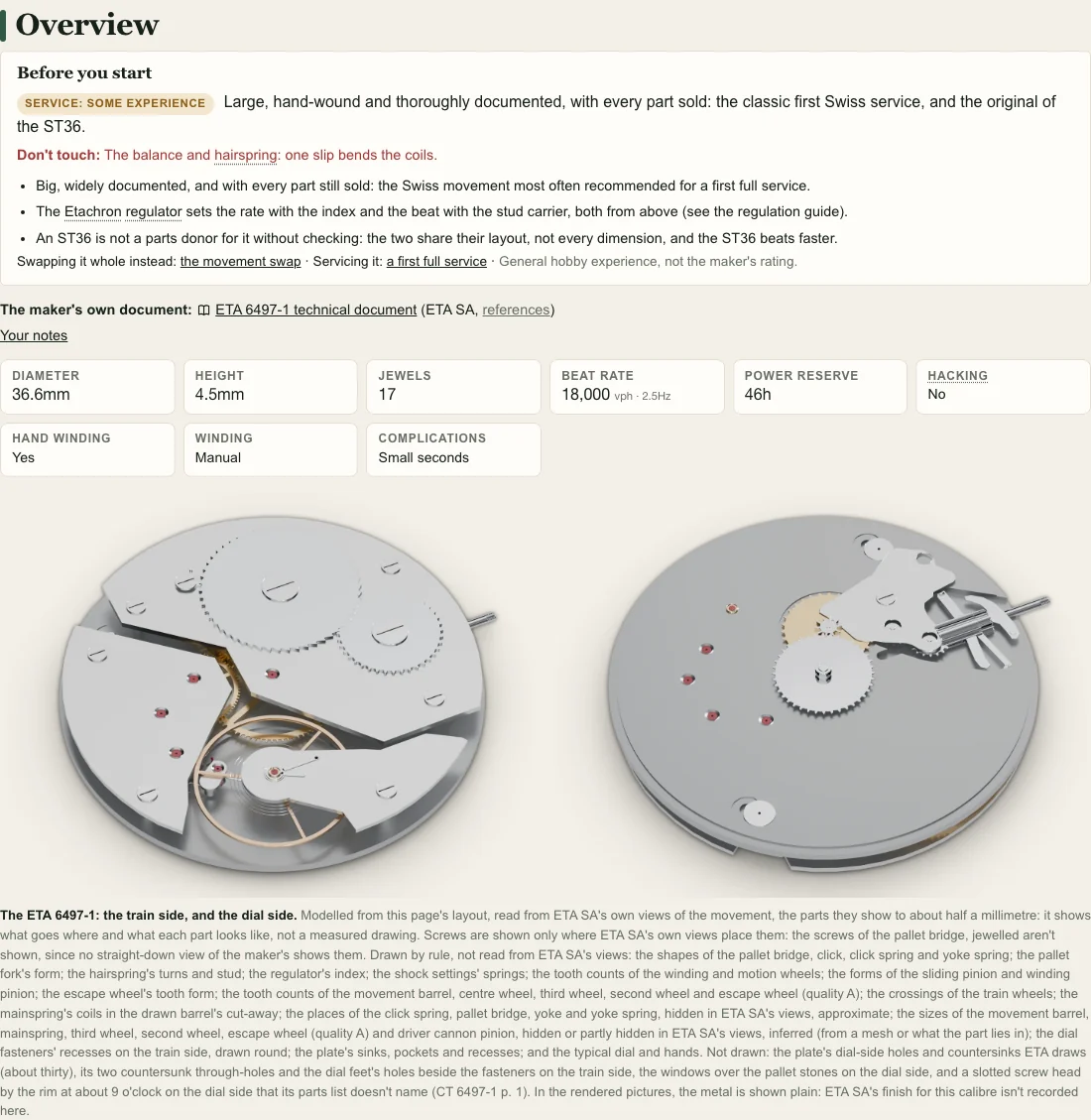
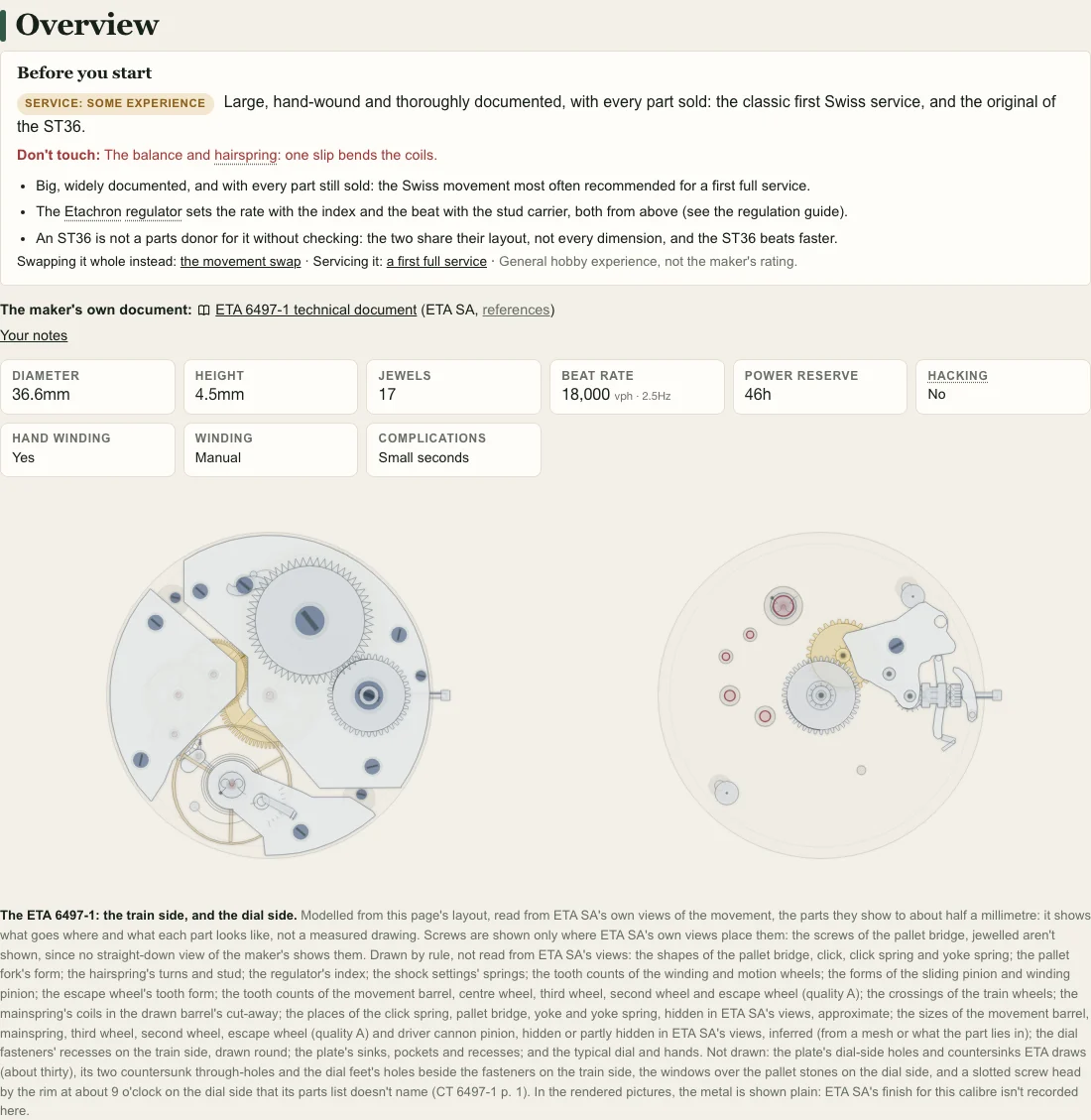
The Movement Explorer
- 400 calibres, mechanical and quartz, wristwatch and pocket watch, each drawn part by part, with its figures, such as its size, jewels and beat rate.
- How it's serviced: for most calibres, what you'll need, how it comes apart, what's cleaned, how it goes back together, where it's oiled, and the figures to regulate it to.
- Its sources, named on its page: most calibres are built from their makers' own technical documents, and the page says which, and what was checked against them.
- Rendered and drawn views: calibres with 3D renders can be shown either way, with one switch. Both are TimeWrights' own work, built from the sources' facts, not traced from anyone's drawings or photographs, and both say so beside the pictures.
Your records
- Your collection: each watch's record, with where it came from, its condition, its service history, photos and papers.
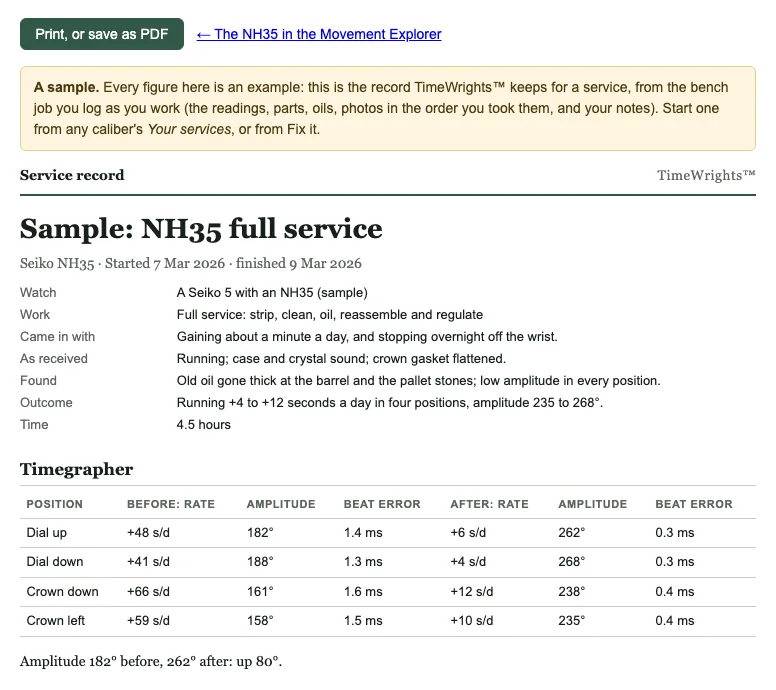
- A bench log of every job, with the parts and oils used and the timegrapher readings before and after, and a service record to print or save as a PDF.
- A parts bin, a tool log and a ledger of what the hobby has cost and brought in.
- Kept on your own devices. On your computer, your records are one database file in TimeWrights' data folder, with daily backups beside it. A phone or tablet keeps its own copy, so it works at the bench with no network, and syncs with the computer it's paired with over your own Wi-Fi. There's no account, and your records aren't sent to us. More on how records are kept.
Finding watches, parts and tools
- Listings from watch shops and marketplaces whose terms allow TimeWrights to show them, with a watchlist, saved searches and alerts.
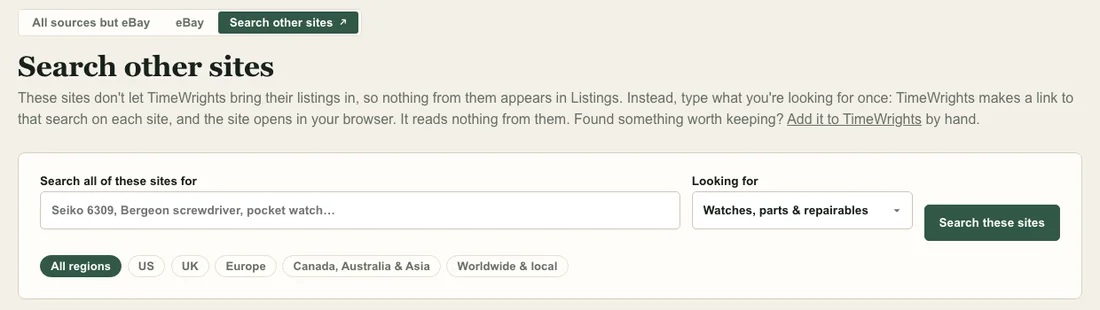
- Search other sites: for sites that don't share their listings, type what you're looking for once, and TimeWrights makes a link to that search on each site, which opens in your browser. It reads nothing from them.
- Suppliers: where to buy parts, tools and equipment new, from material houses, tool makers and parts shops, and makers who'll make a dial, strap, case or hands to your design.
Listings show what's for sale, never who's selling it: nothing that identifies a private seller is kept. eBay listings use your own eBay developer keys, kept on your computer and sent only to eBay.
On your computer, phone and tablet
- TimeWrights for Mac and Windows is the whole workshop: the reference, the listings, the planning and your records, with their backups.
- TimeWrights for iPhone, iPad and Android phones and tablets is its companion at the bench, not a replacement for the computer app: your records and photos with you, offline, and a photo of each step as you take a movement apart and put it back.
- Pairing: the computer shows a code, the phone or tablet scans it, and from then on they sync over your own Wi-Fi.
Screenshots: TimeWrights on a Mac, 14 October 2026, with no records of anyone's in it (the service record is the app's own sample). The movements' figures on this page are from the app, which names their sources.